How to Apply Tax Code to Item & Category
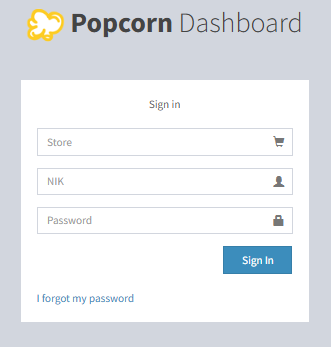
- Go to Popcorn Website (www.popcorncashier.com)
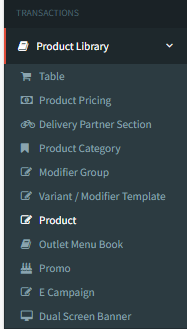
Transactions > Product Library > Product
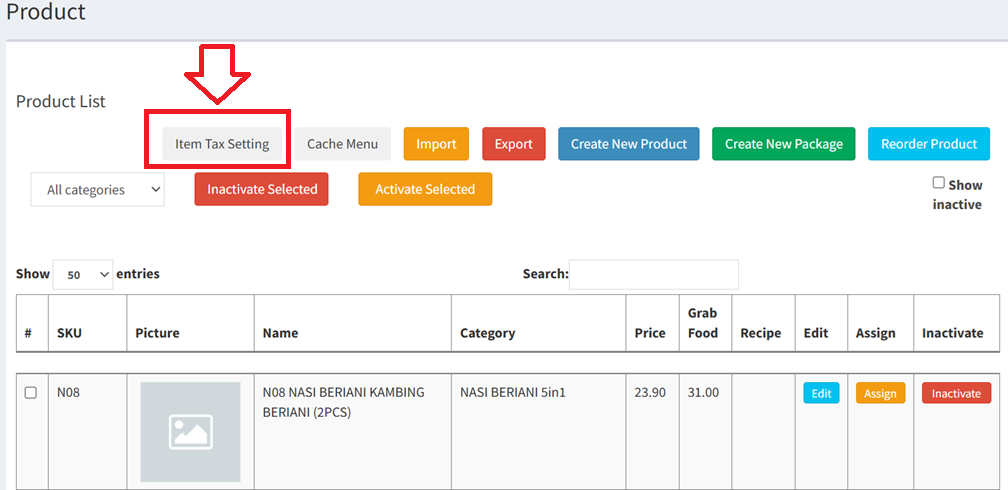
- Product Item Tax Setting
- Go to Product Library > Product
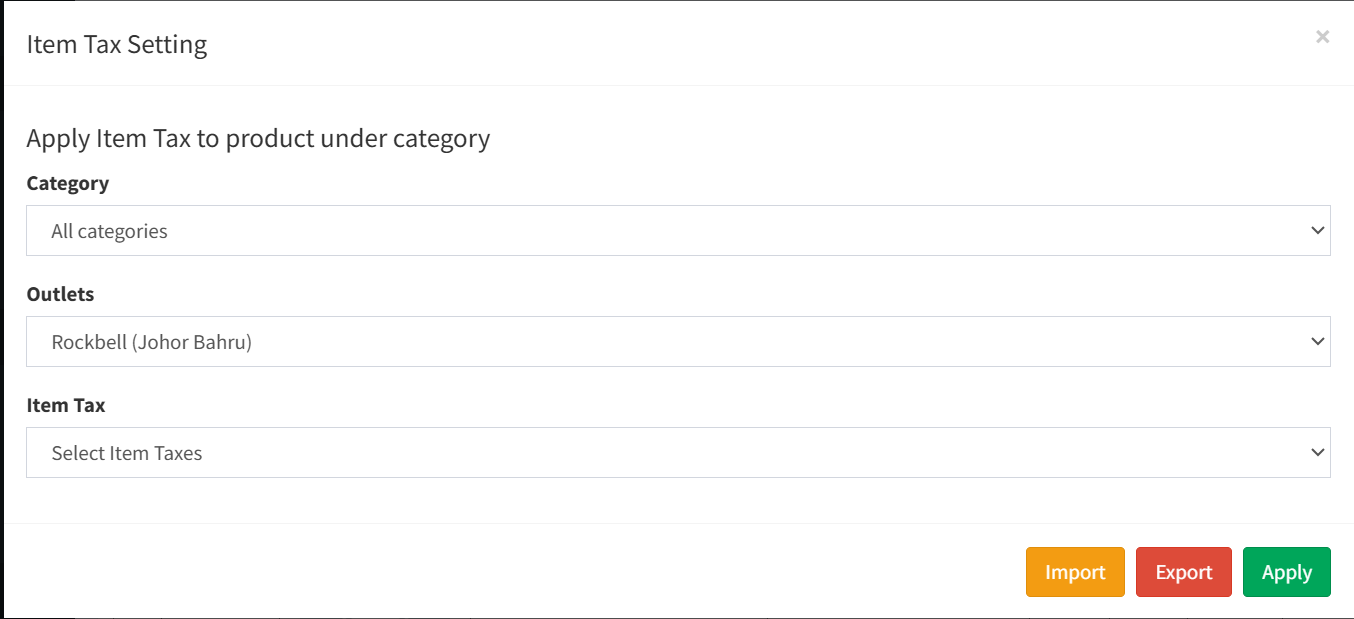
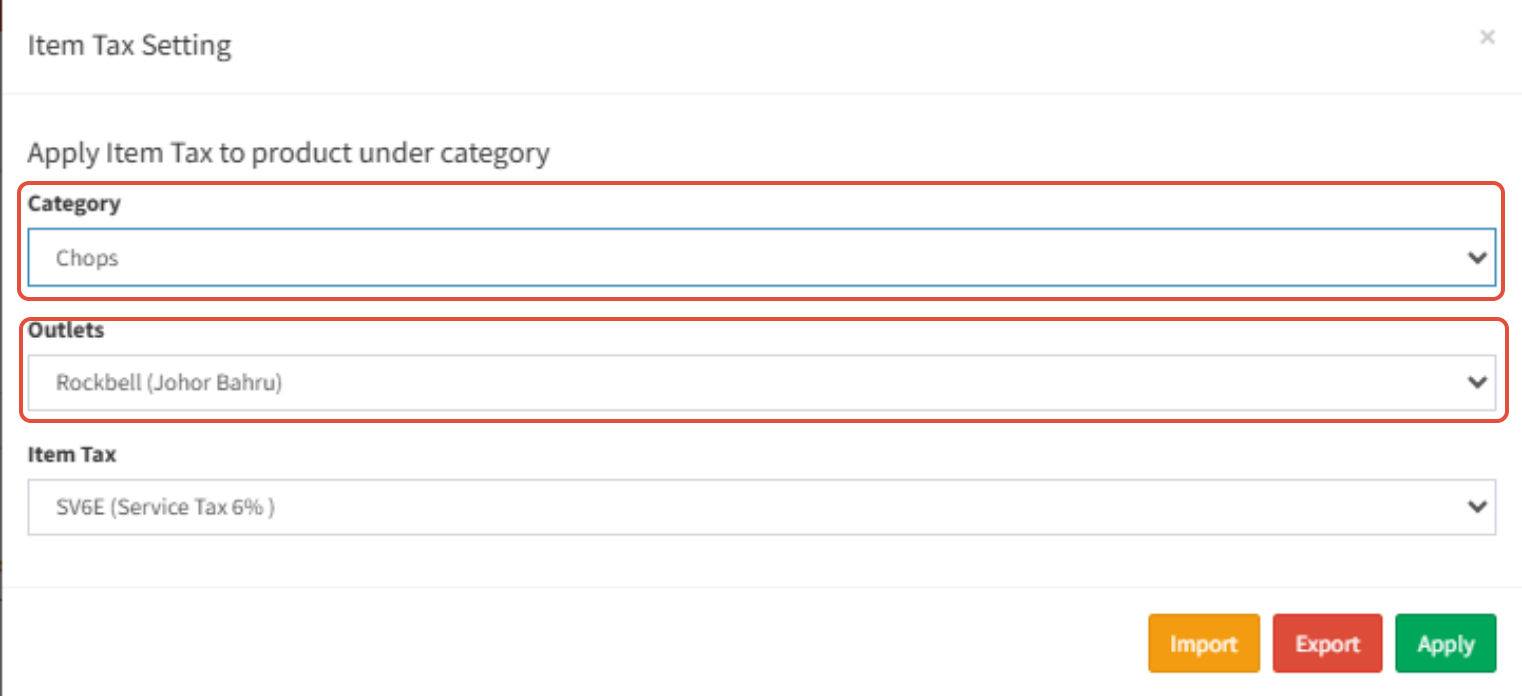
- Choose the Category & Outlets
Choose the Item Tax
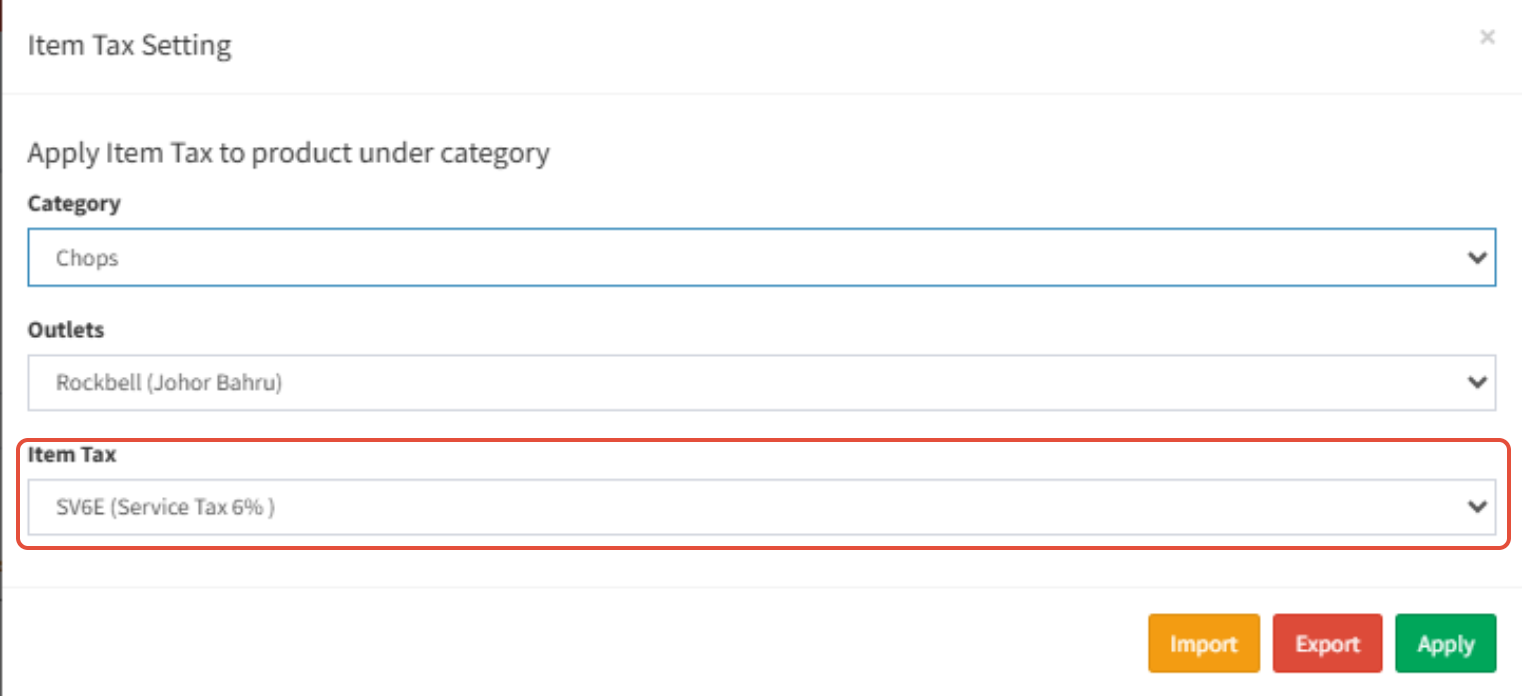
- The Service Tax for Food is 6%
- The Service Tax for Alcohol is 8%
- Lastly click the Apply to continue

