How to Check Report (Member Related Report)
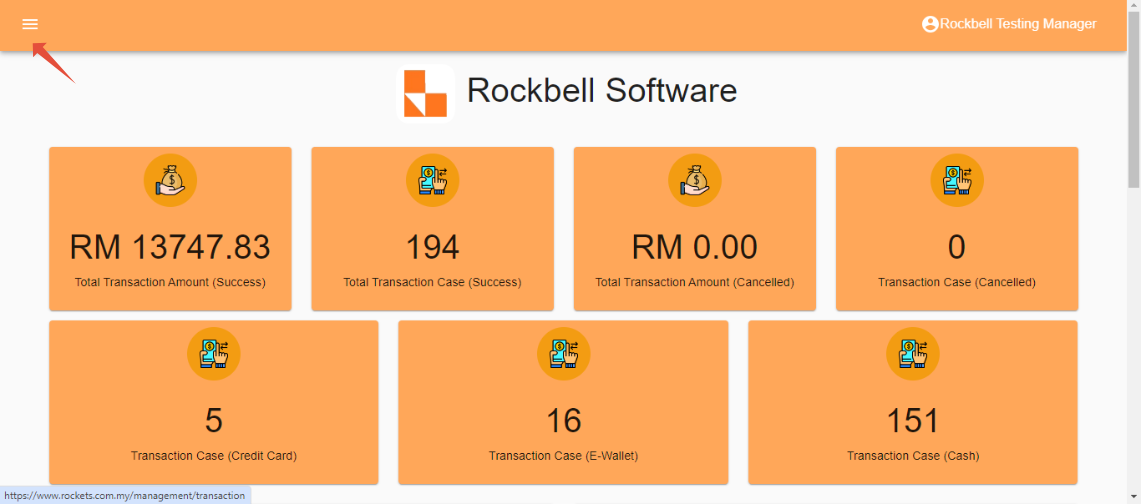
After login to Rocket Backend Portal (https://www.rockets.com.my/login), click on ☰ to open side menu
Scroll down and in the Report section, click on Member
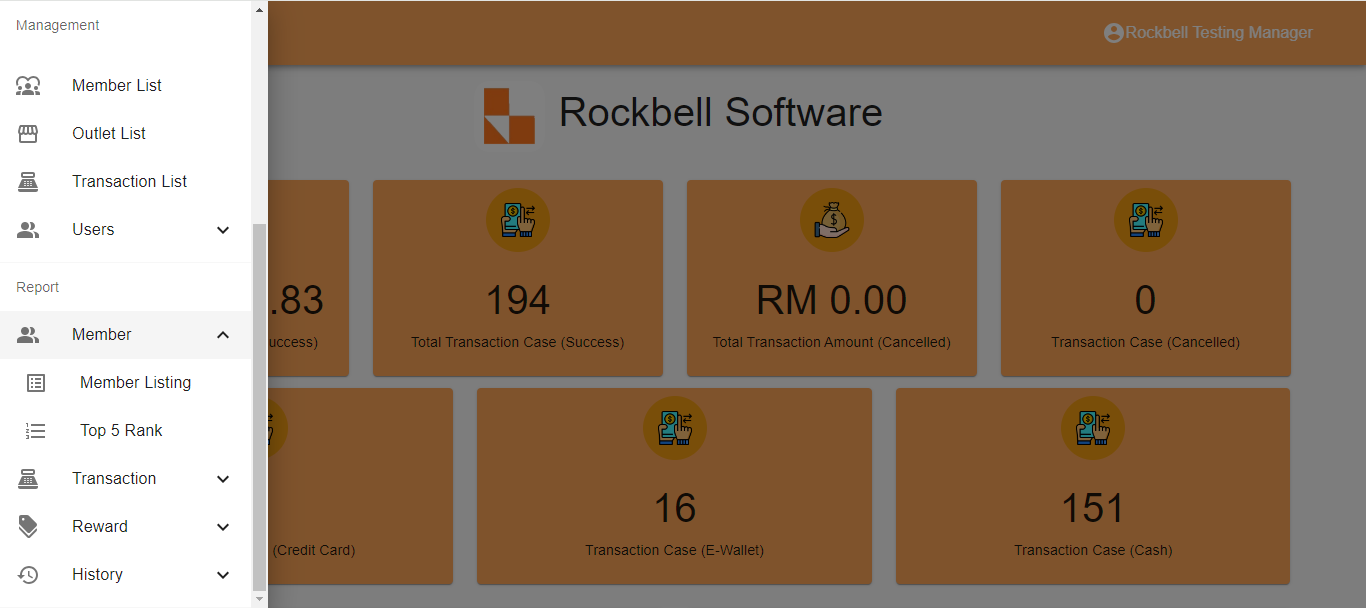
Member Report consist of two types of report:
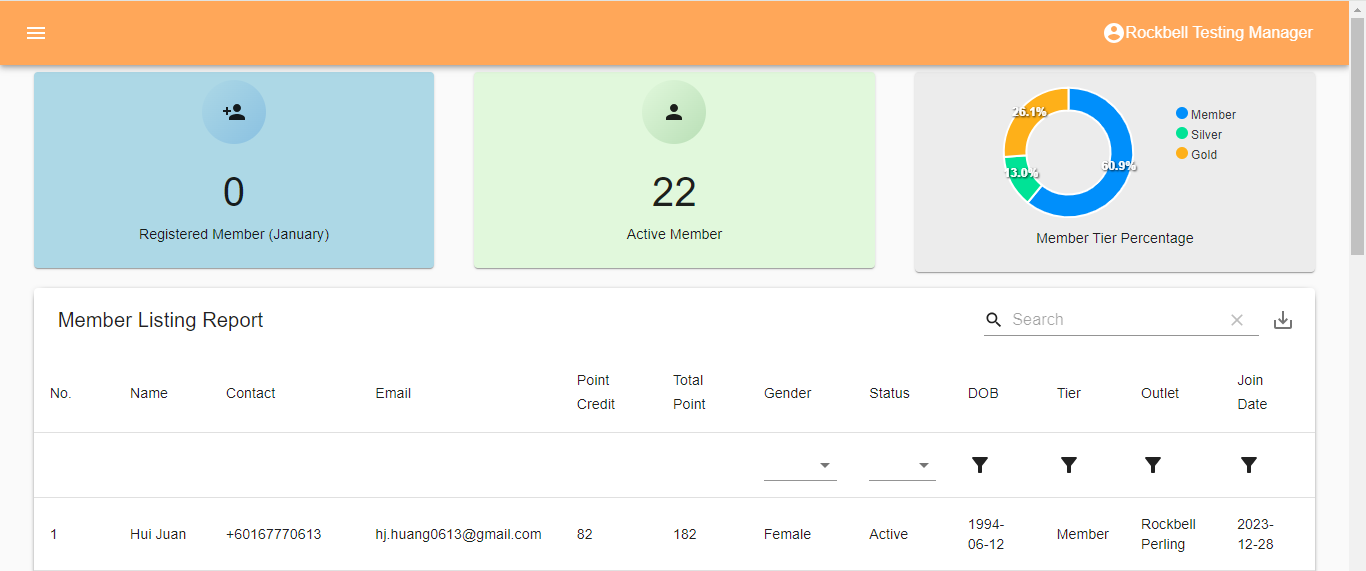
- Member Listing Report
- Top 5 Rank Report
Member Listing Report

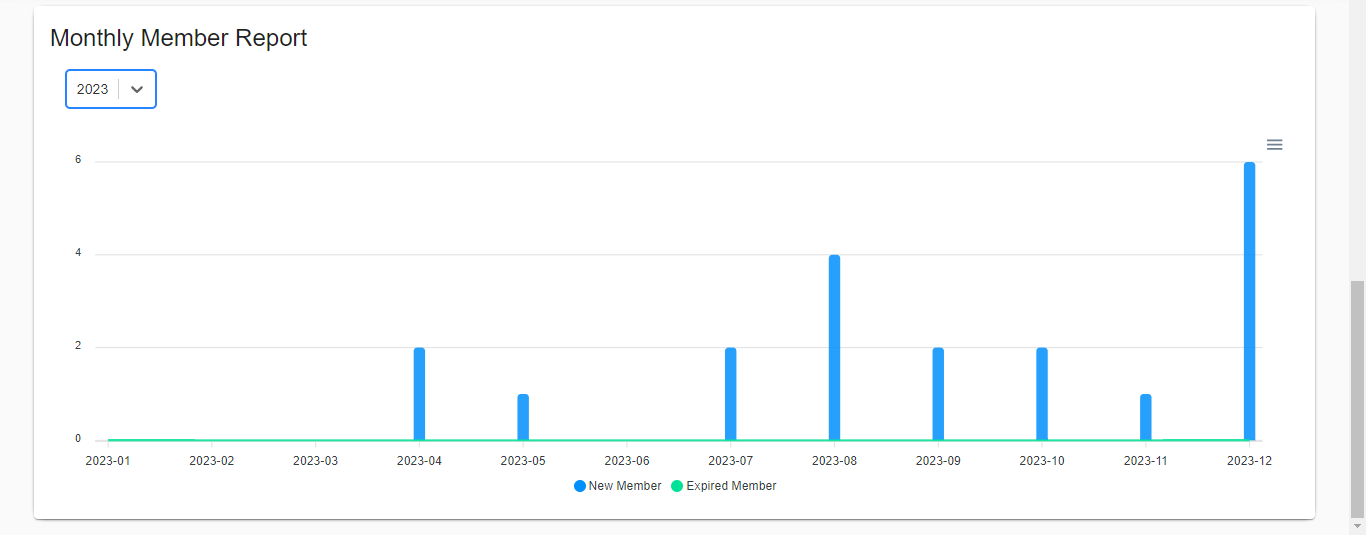
Top 5 Rank Report
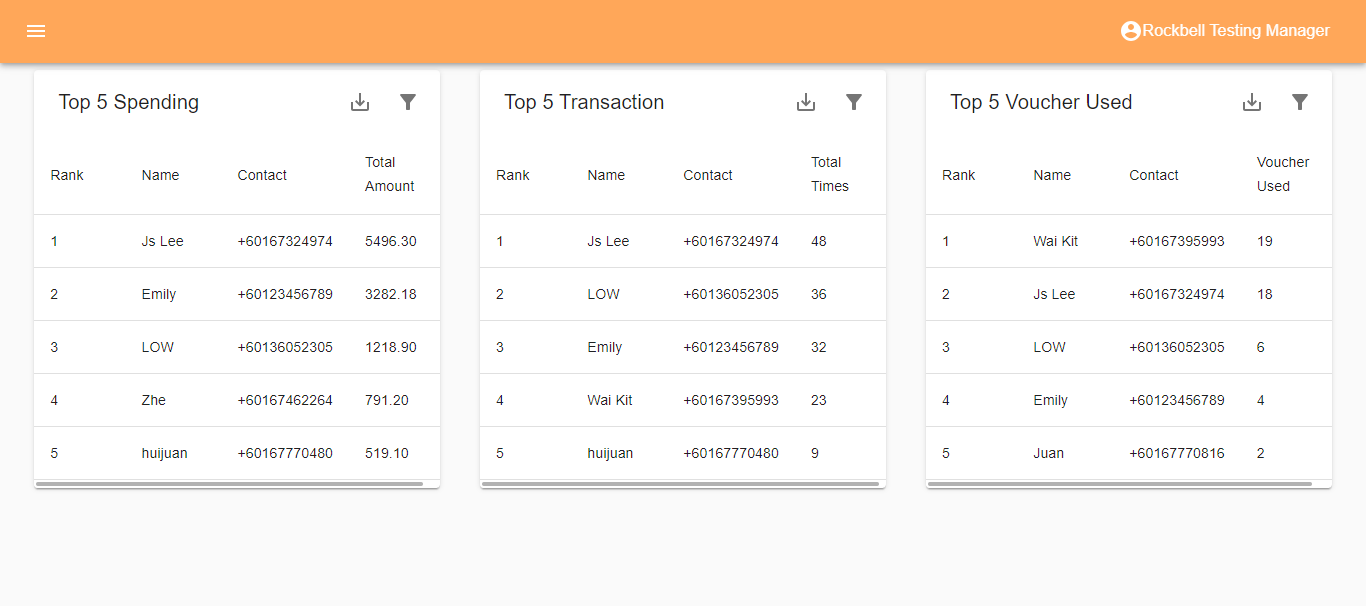
*The report can be export in either CSV or PDF format by clicking  on the top right side of the listing
--------------------------------------------------------------------------------------------------------------------------------
