How to Check Member Status in Popcorn Cashier App
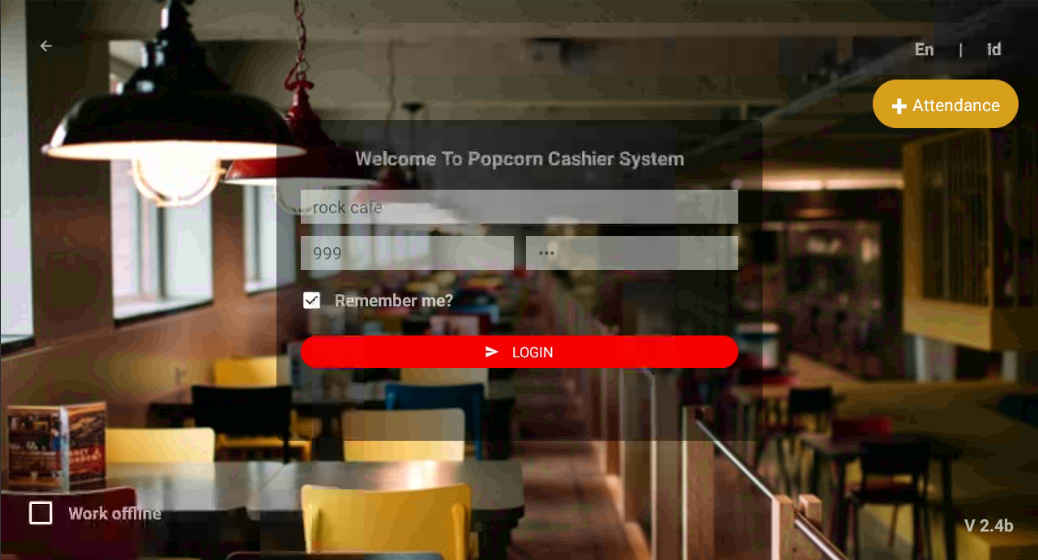
First open and login to your Popcorn Cashier App
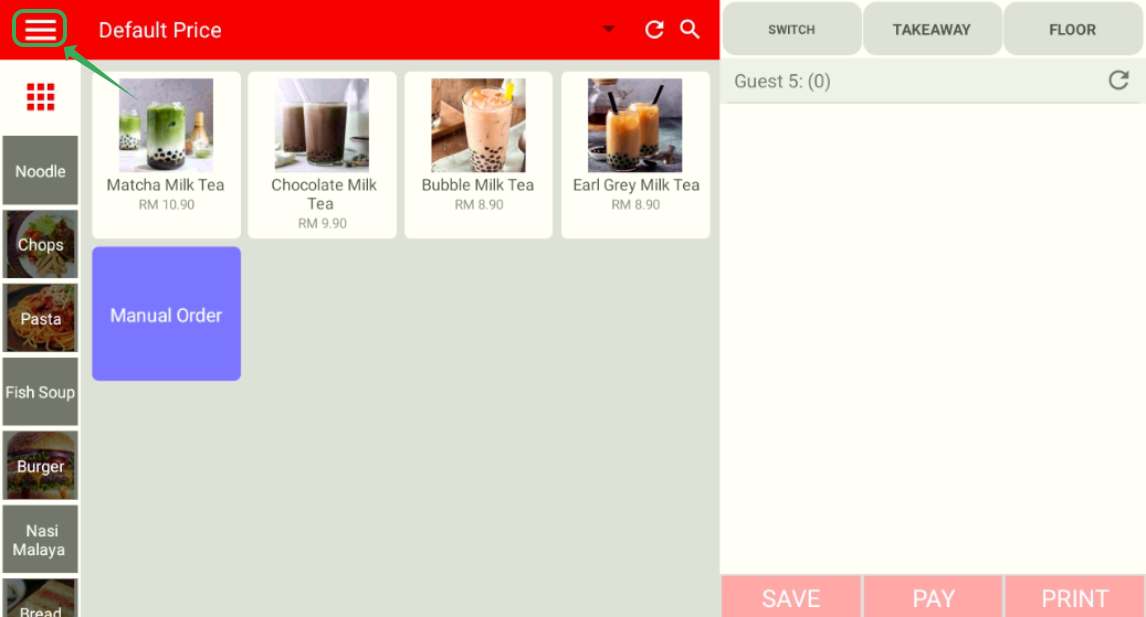
Click on ≡ on the top left side to open menu
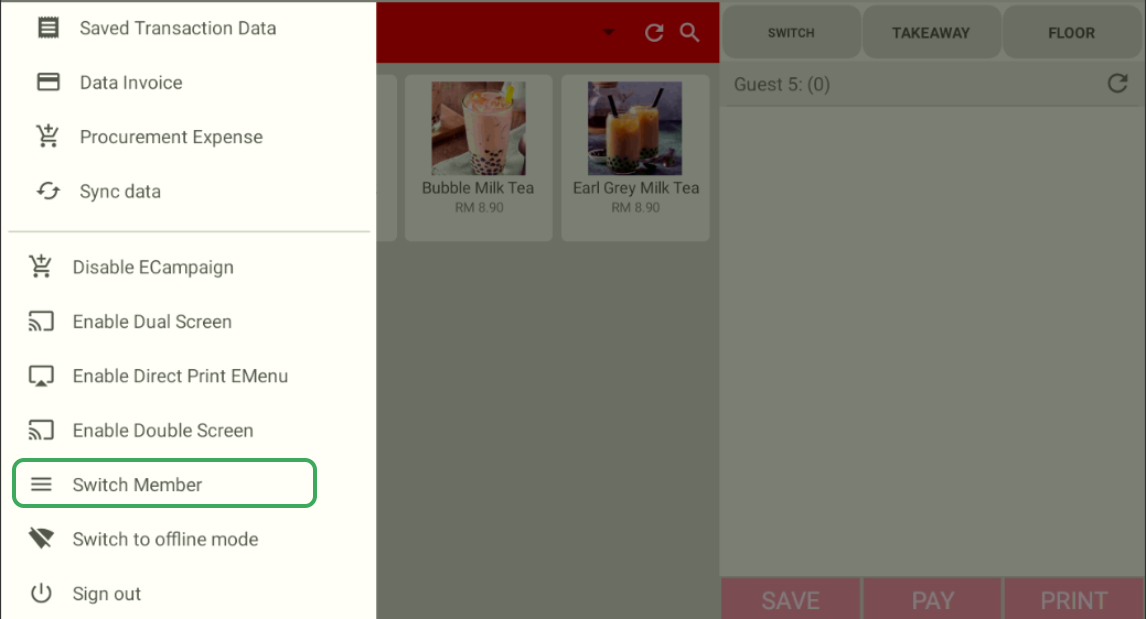
Scroll down to find and click on Switch Member
Click on Member
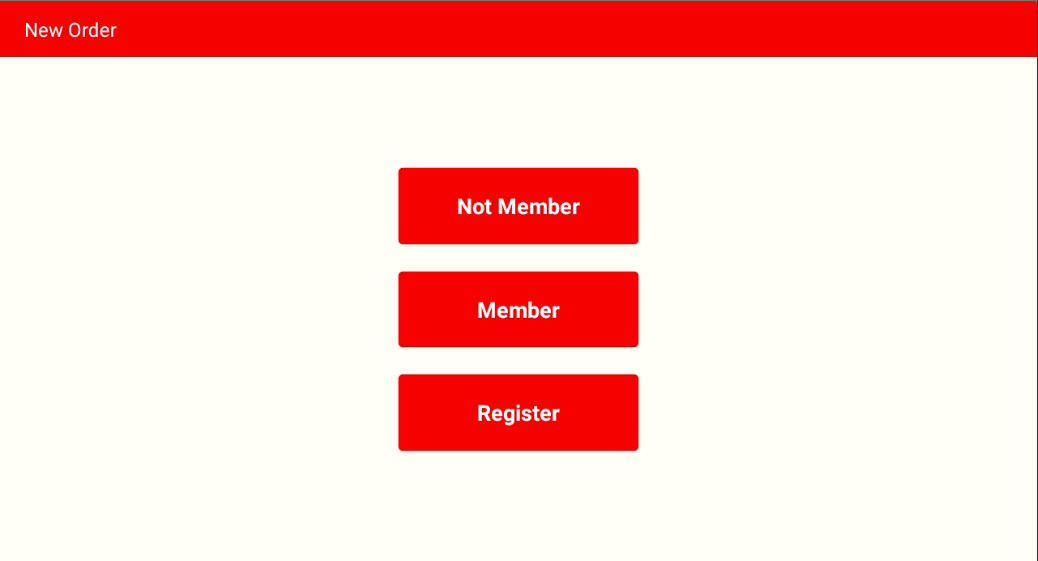
*This page will also show when starting a new order
Key in the phone number of the member
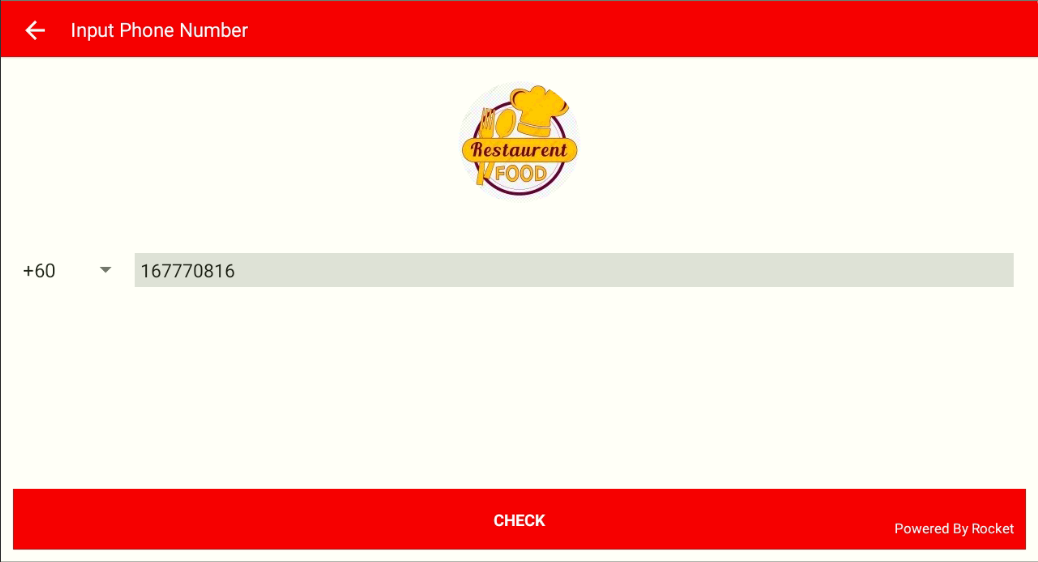
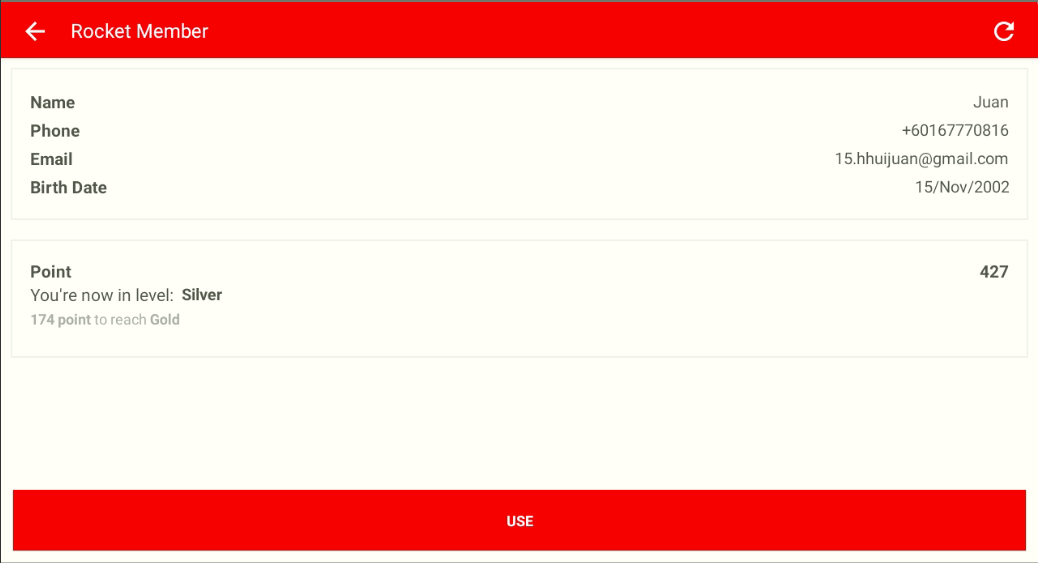
If the phone is valid(used to registered as member), you will be able to view the information of the member
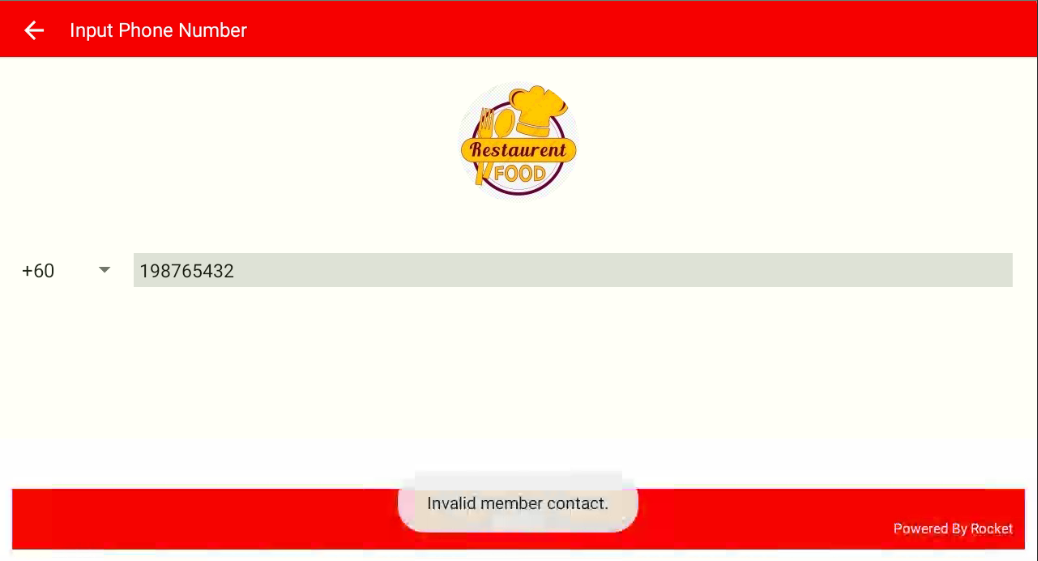
Else, if the phone is never used for register member, it will pop up error message "Invalid member contact."
------------------------------------------------------------------------------------------------------------------------------------------
