How to Turn Off Checker Printing
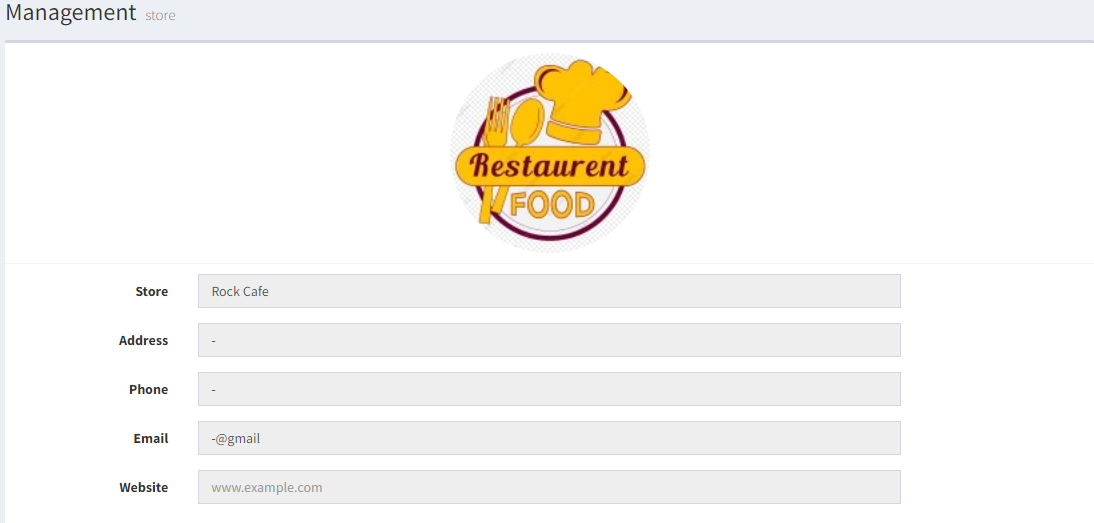
- In Backend (admin page), go to Management > Store & Outlet
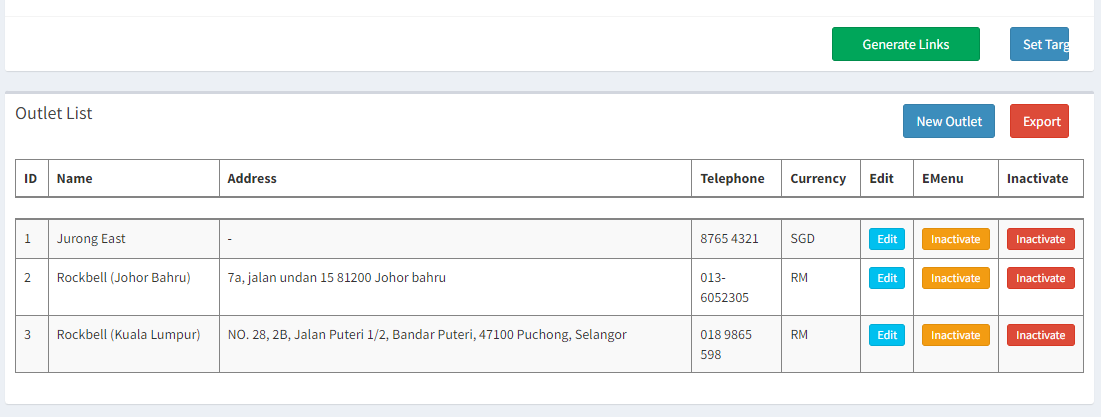
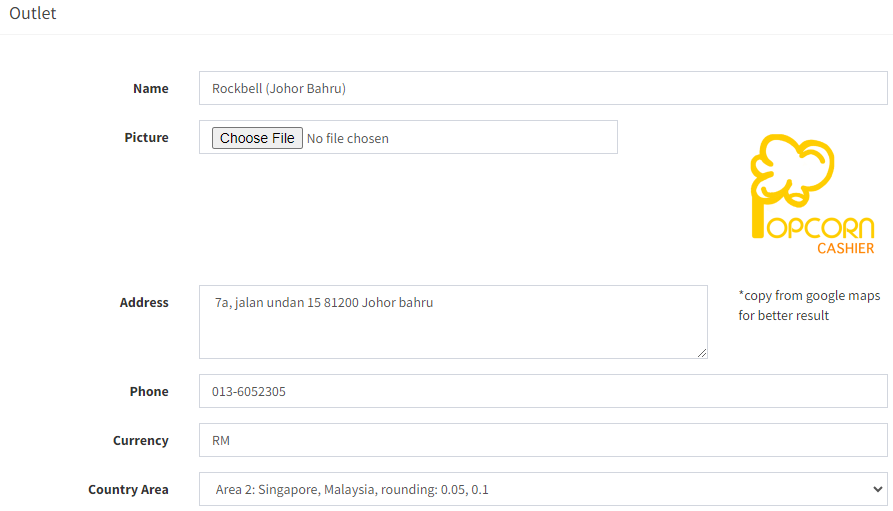
- In the Outlet List, click on the
 in the outlet you want to turn off checker printing
- Find and tick on Skip all checker
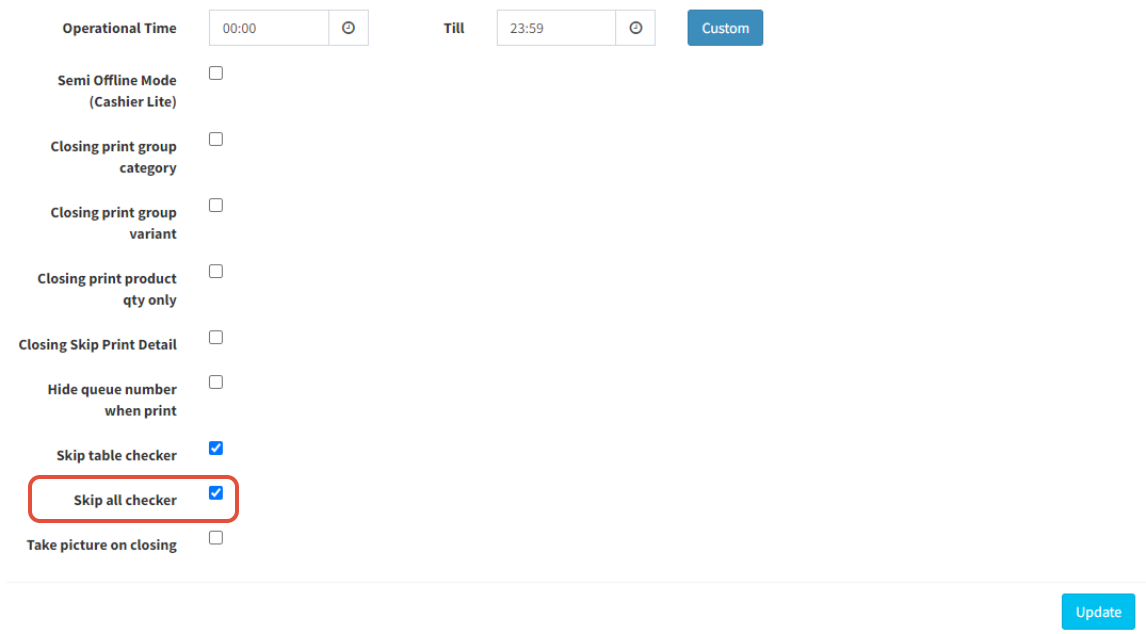
- Click on
 to save
-------------------------------------------------------------------------------------------------------------
Please refer to video below for more information
